
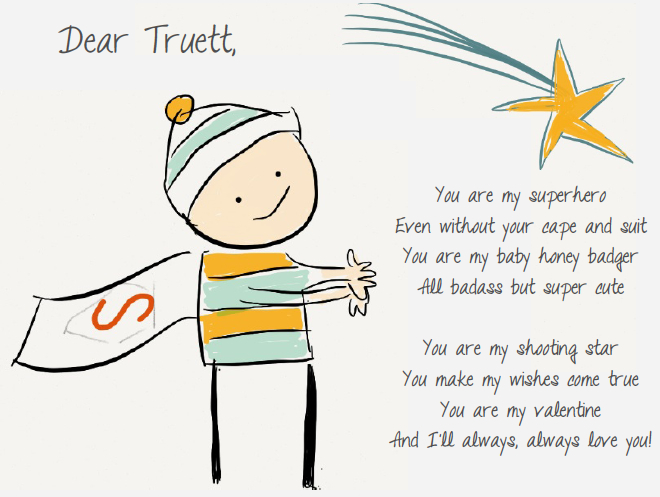
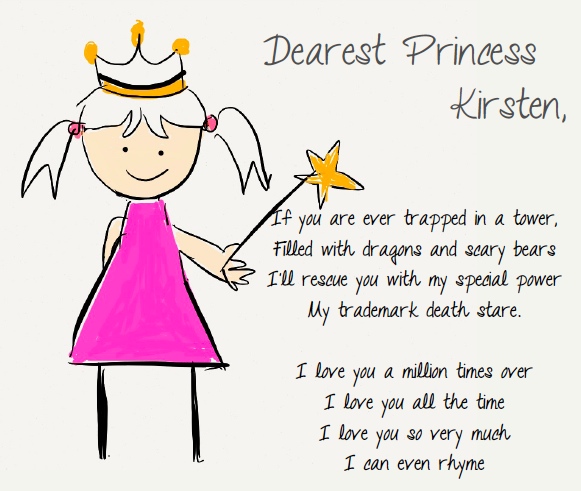
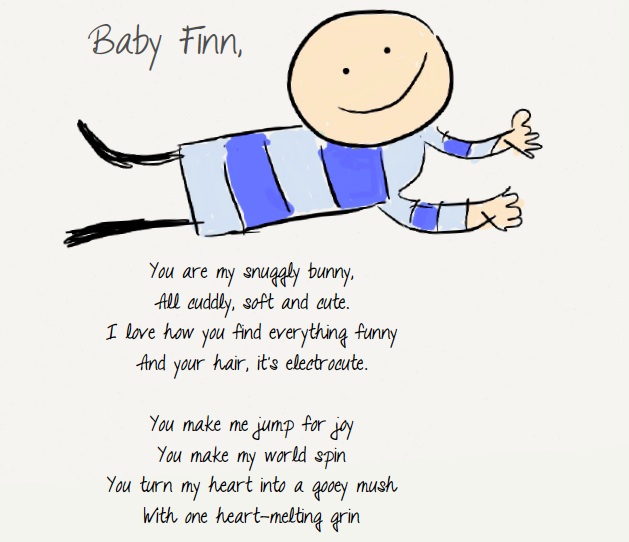
In the spirit of Valentine’s Day, I made some cards for my 3 little pint sized valentines.
The husband was all like “Oi, I thought your valentine is supposed to be me, where’s my card?” But drawing pictures by hand turned out to be harder than I thought so I figured I’d buy him dinner or something. What’s that about a man’s heart being in his stomach? Or is it the stomach being in the heart? One of those.
And yes, all the cards were drawn by hand on my trusty iPad. I surprise myself with my talents sometimes. Heh.


14 Comments
Wow you drew those on iPad?? I can’t even draw well on paper! :///
Hope you had a happy Valentine’s Day with your loved ones <3
Ai Sakura´s last post ..Bub & Me: Tree of Remembrance for Valentine’s Day
Actually my art is quite terrible but it’s quite easy to draw on the iPad. Had to erase and redraw several times though.. Oh and hope you had a wonderful time too! :)
Awwww!!! This is soooo sweet. :)
Thanks Jullie!! :)
Hi Daphne, may I know what app you used for those drawings and font? They’re awesome!
It’s called Paper by 53. Very cool app that lets you draw freehand. You can scribble text as well but I added the text in later using Keynote – the font is called Talking To The Moon.
Daphne, u missed out the glorious mane for Finn!! haha
LOL! It was very hard to draw hair so I went with a bald baby heh..
So talented!!! :-)
Thanks Joyce!! You’re too kind
Good enough for a children story book. Maybe u shd draw more.
Awww so sweet of you! Hahah ok more pictures in the works!!
Hi Daphne,
Thanks for sharing the very cool application . I love your drawings! May I know how you add the keynote to write the text? I couldn’t find the keynote tool on the paper app. Thanks heap! :)
Hey Silvia, thanks for the compliment! Keynote is a mac app I use – similar to powerpoint. I exported the drawing as a jpeg and added the text in later in keynote. You can also use ppt or photoshop or illustrator to do it. :)